
Veuillez noter que cet article a été publié en janvier 2011. Par conséquent, selon la date à laquelle vous le lisez, certaines parties peuvent être obsolètes. Malheureusement, je ne peux pas toujours maintenir ces articles à jour pour garantir l'exactitude des informations.
When working with multiple Google App Engine projects in an Eclipse workspace, you might want extract duplicated code (such as framework and utility code) from those projects into a new shared project.
However sharing code between projects in Eclipse is already very common thing to do by adding required projects on your build path:
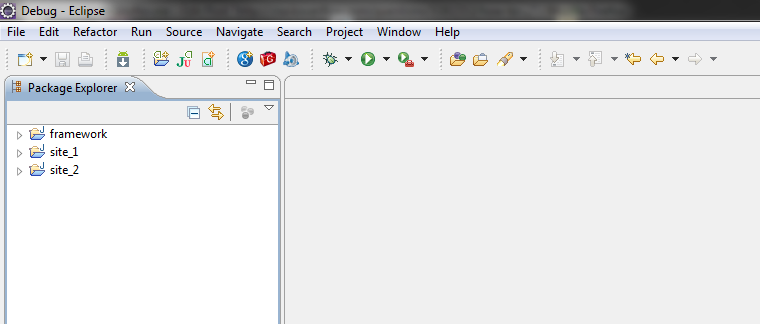
However this won't work when dealing with Google App Engine projects, since you need to gather all the source code into the bin folder when doing a deploy.
As an example, let's say I have three different projects: two regular sites and one utility and framework project, which contains code that I want to share to for my other sites.
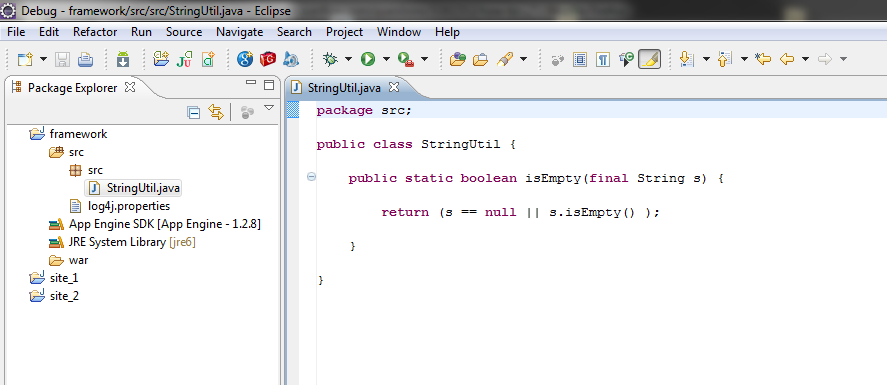
Inside the framework project I have a utility classed call
StringUtil which has the method isEmpty.
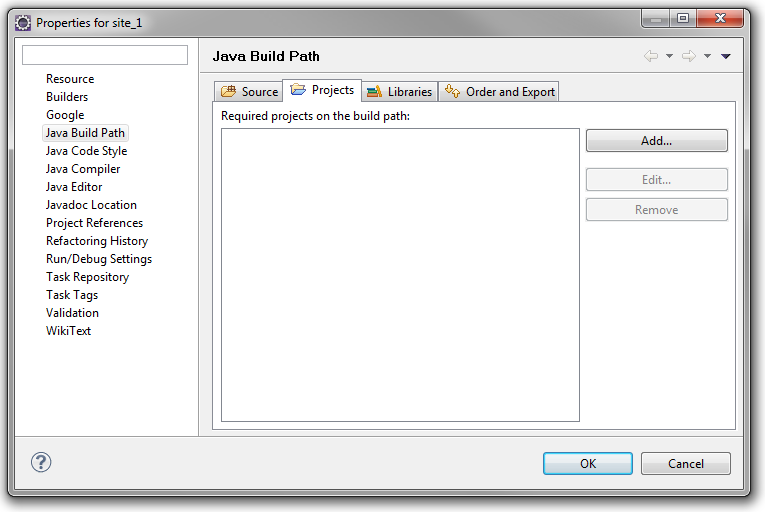
In my project site1, I am planning to use my utility method, but Eclipse cannot find my
StringUtil class.
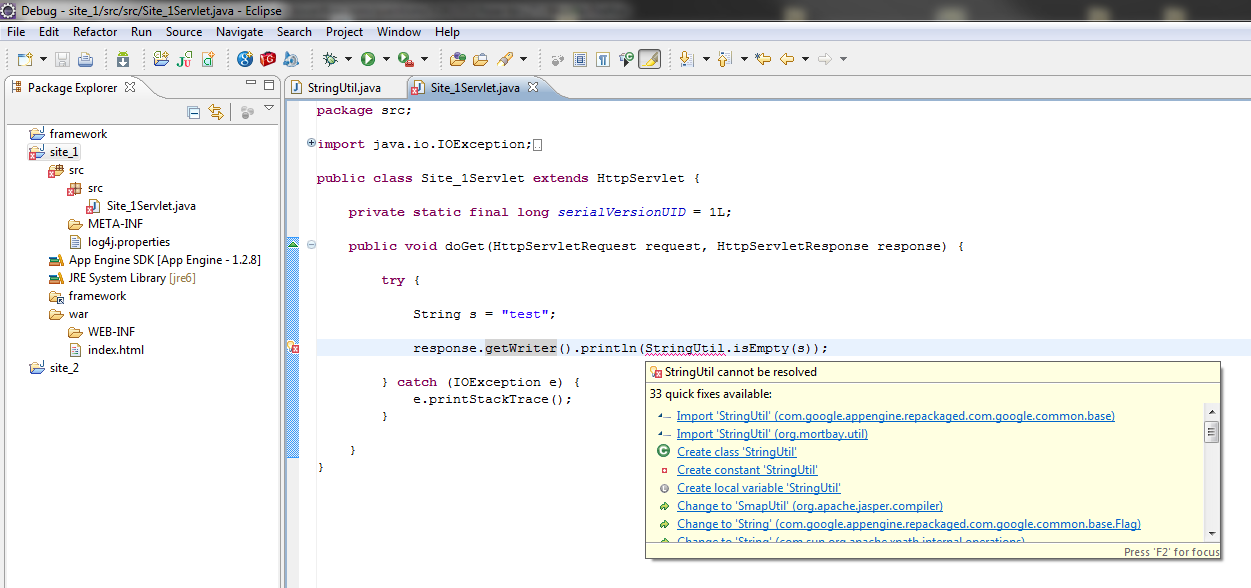
If I add the "framework" the project as a required project:
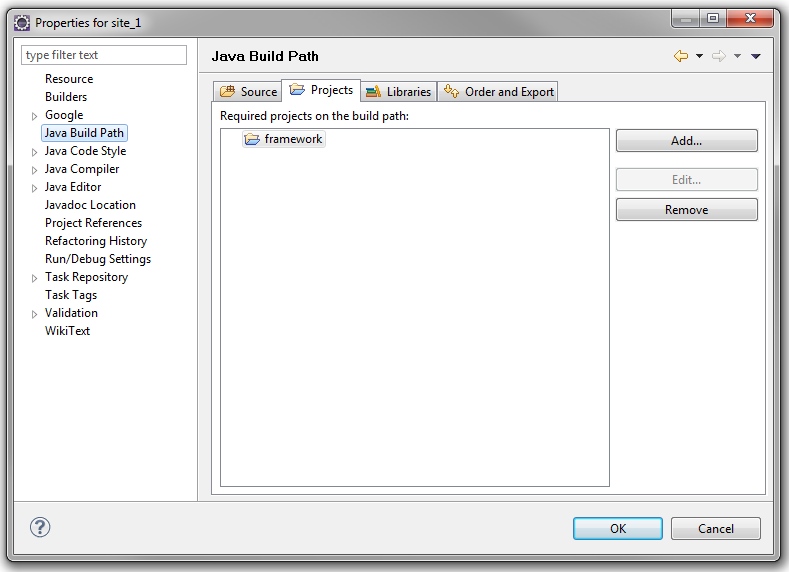
Eclipse will find the correct class and method, but after I have deployed and visit the site I would get:
Error: Server Error The server encountered an error and could not complete your request. If the problem persists, please report your problem and mention this error message and the query that caused it.
And looking in the logs, I see the site crashed due to not finding my
StringUtil class.
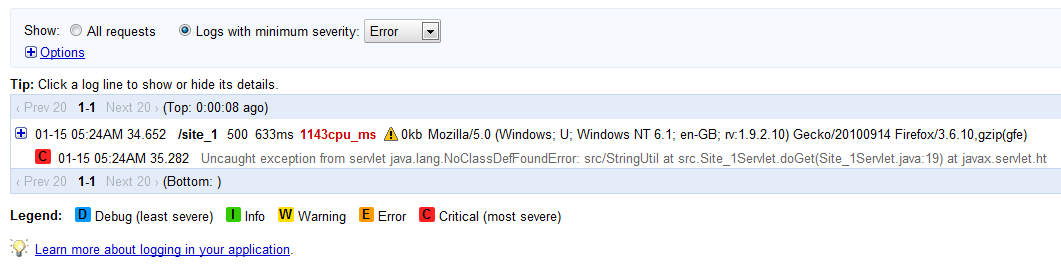
This meant that even though Eclipse finds my
StringUtil class, the code doesn't actually get deployed up to the Google App Engine. This is because when I added framework as a required project, I told Eclipse to start looking in framework's bin folder as well for classes - but when I am deploying to Google App Engine, I am actually deploying one site, meaning site1 and it's bin folder.
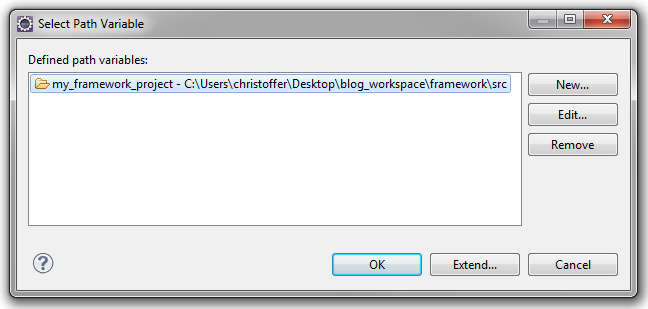
In the Link Source dialogue you can either point directly to a source folder, but since I am planing to have multiple projects linking in framework, I have have created a variable. Meaning, if I never need to change the path, I only need to change in one place instead of in all my projects.
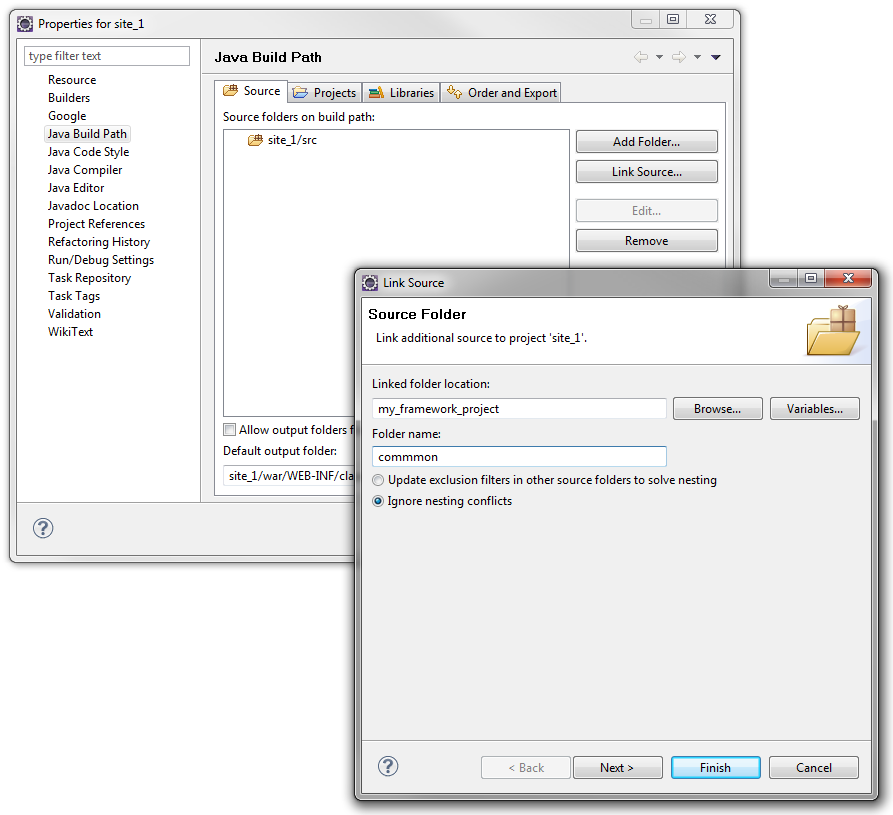
Now both Eclipse and the Google App Engine finds my shared
StringUtil class!
