
请注意,本博文发布于2015年6月,因此根据您阅读的时间,某些部分可能已过时。遗憾的是,我无法始终保持这些文章的完全更新,以确保信息的准确性。
为了修复最近在 iOS 版 Safari 中出现的滚动问题,我不得不创建一个简单的测试页面,并将网上能找到的所有信息和各种组合应用到测试中,以尝试解决这个问题。
以下是我在这个过程中的发现的简要概述。
我的测试页面
我的测试页面相当简单。它由一个静态 div 中的模拟数据组成,用来表示“页面”,并且在页面上方还有一个固定的 div,用来表示覆盖在页面之上的“菜单”,像这样。
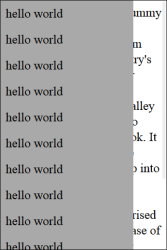
本页的完整源代码可在本文末尾找到。
理解默认行为
我首先做的事是尝试理解 iOS 版 Safari 的默认行为。最显著的发现是,当你把菜单滚动到最底部时,页面主体会出现“橡皮筋效应”——这是 Safari 的一个内置特性。
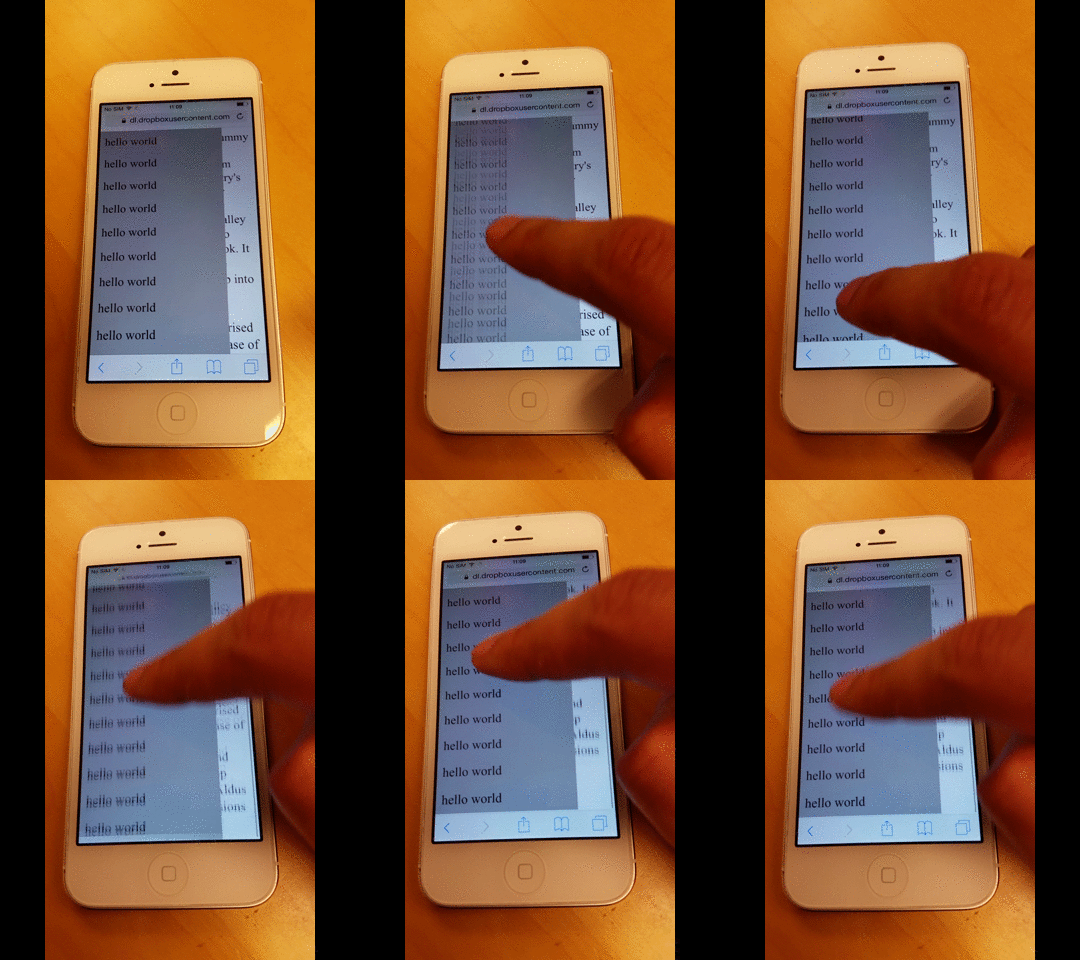
在滚动到菜单的最顶端时也出现了同样的情况。
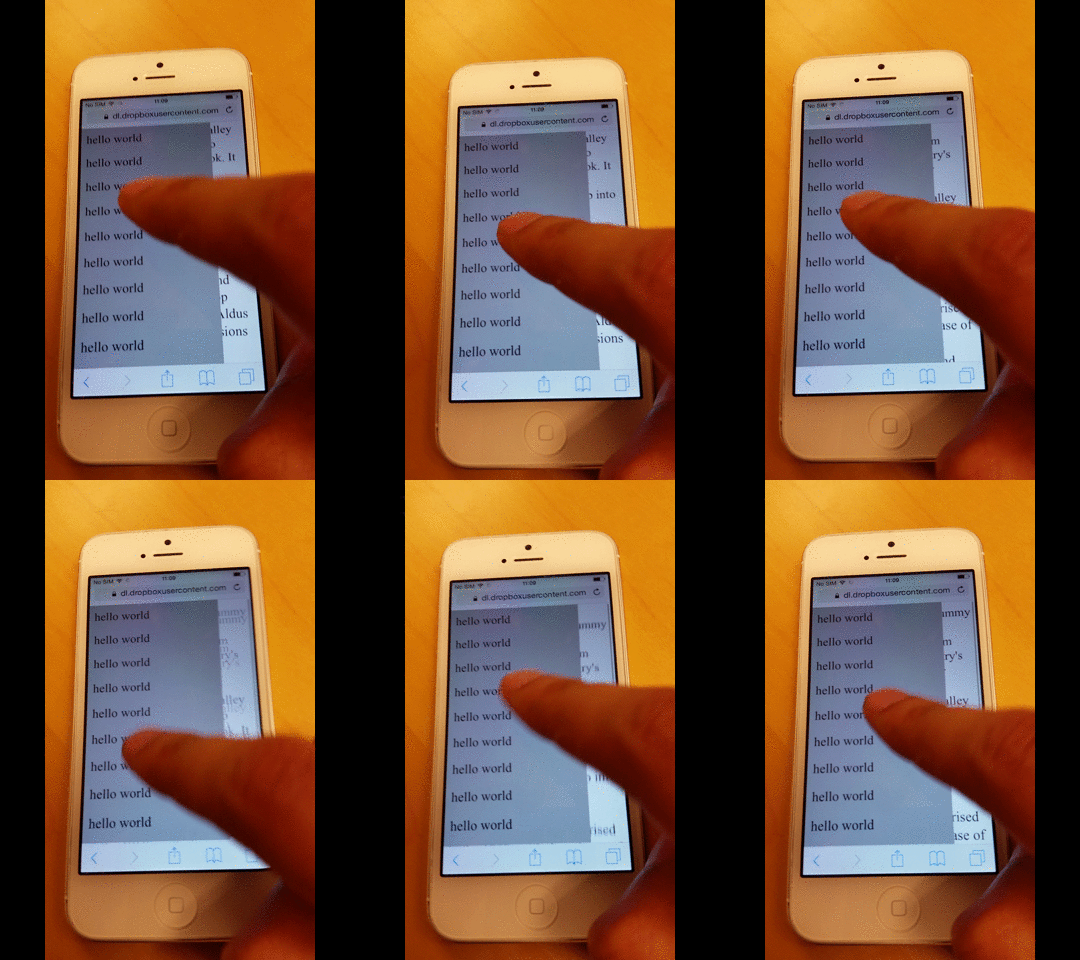
不过,我注意的第一个问题是,当你持续滚动到最顶端或最底端时,Safari 会在背景页面和菜单上出现渲染异常。
我不太确定原因,但我怀疑这与橡皮筋效果有关。
了解 -webkit-overflow-scrolling CSS 规则的作用
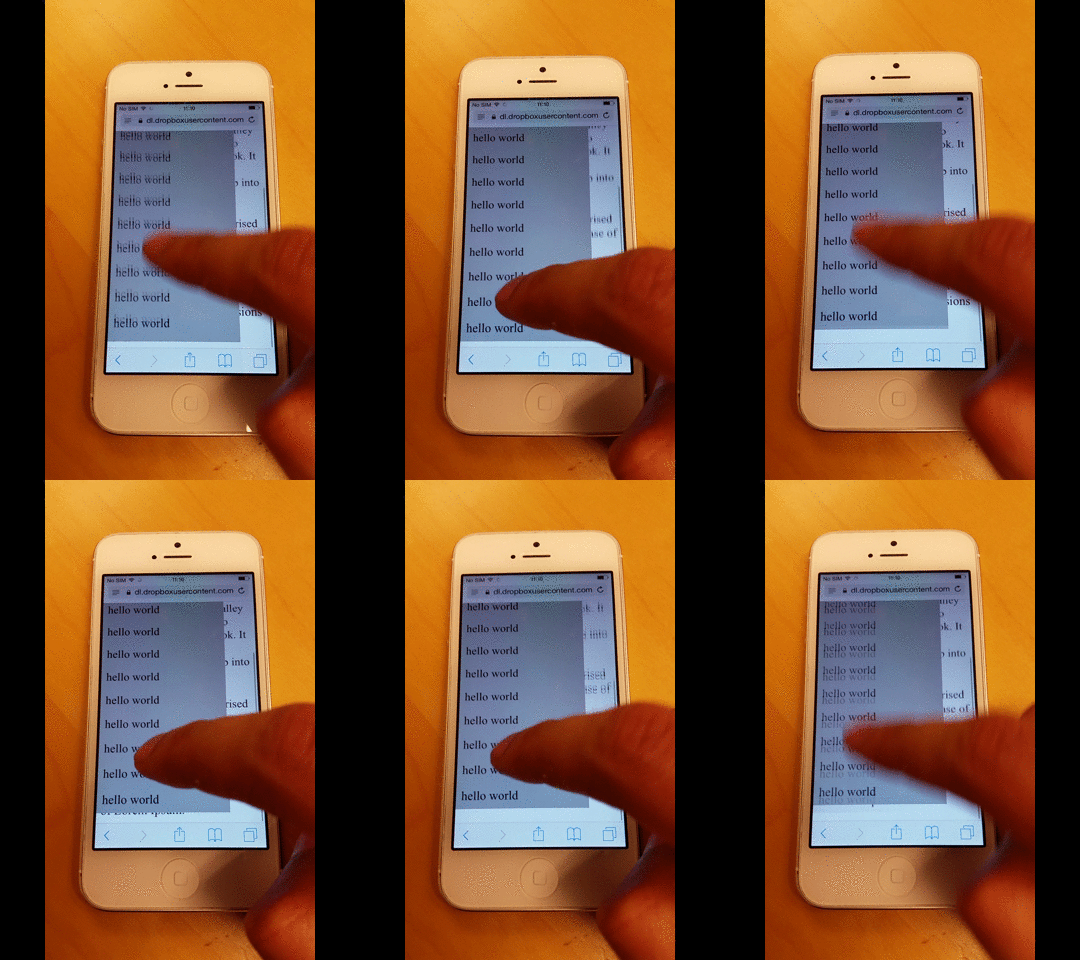
接下来我做的第一件事是将 -webkit-overflow-scrolling CSS 规则应用到菜单上,启用惯性滚动。
如图所示,即使我用手指滑动,滚动仍在继续。
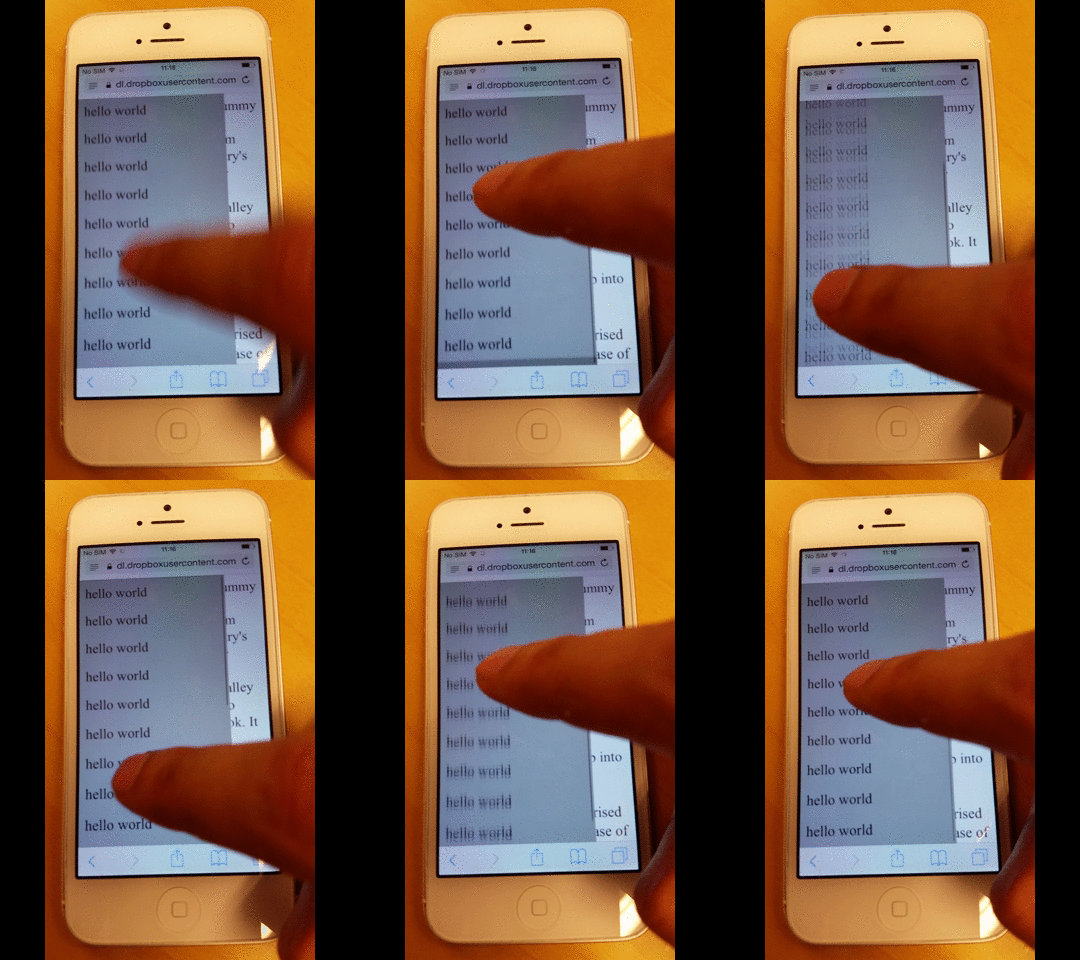
但在滚动到最顶端或最底端时,它也会出现橡皮筋效果,如下所示。
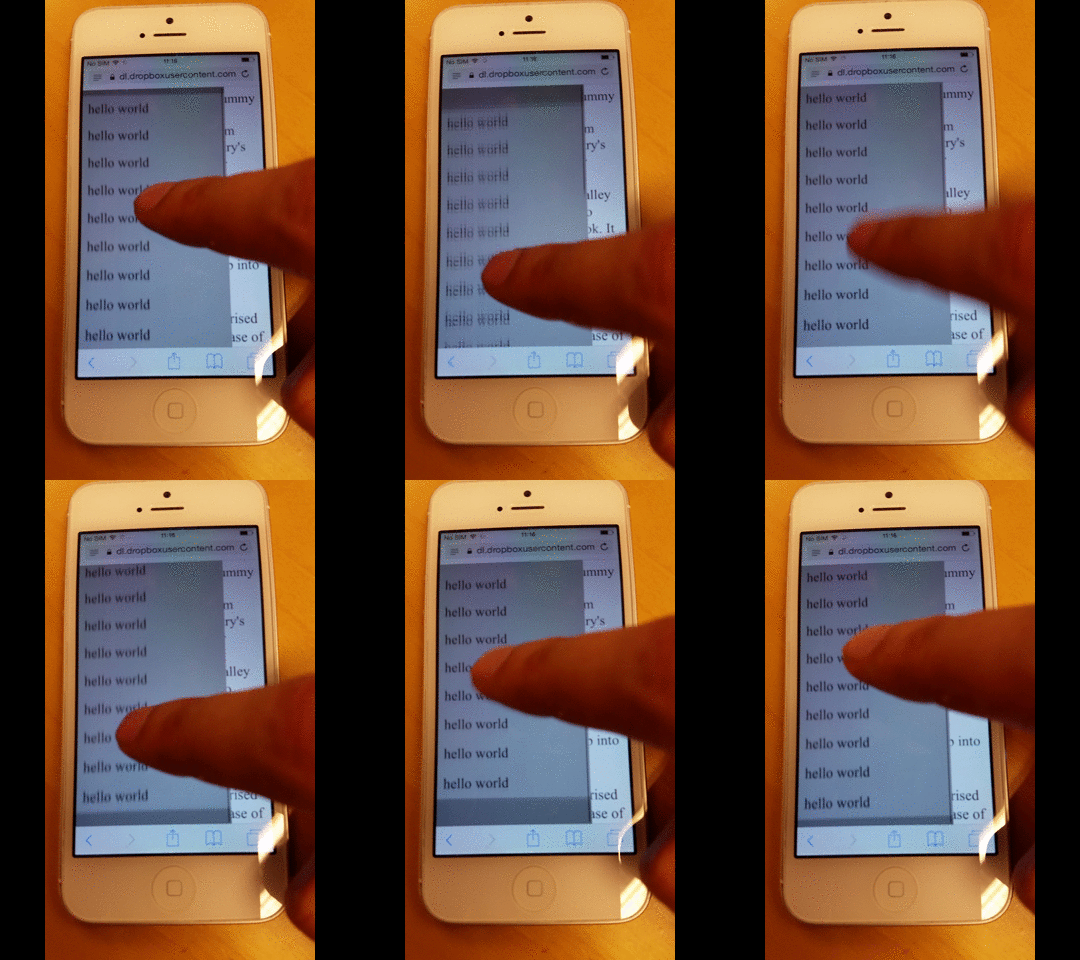
用户需要等待,直到弹性回弹效果结束
在我的测试中,我还发现,当回弹效果正在进行时,用户在动画完全结束之前无法将焦点移到另一个元素上。
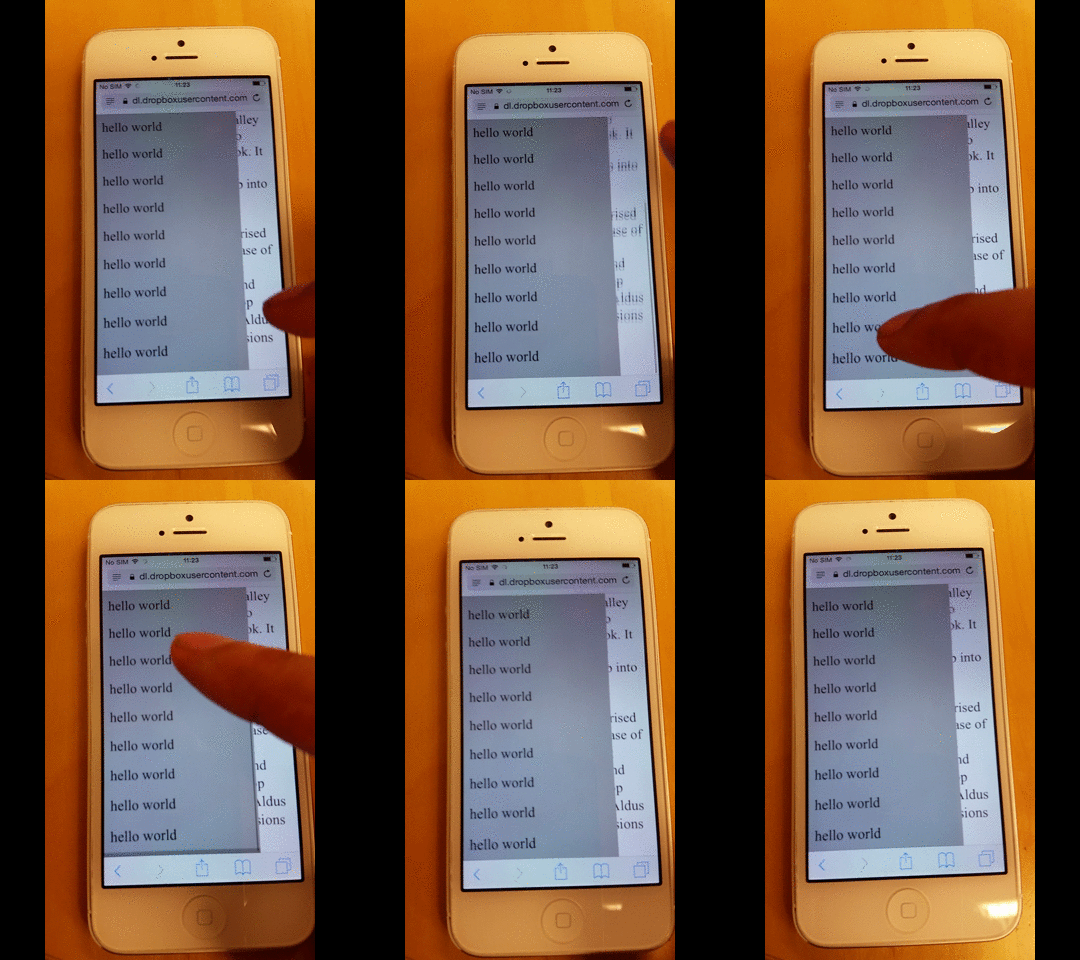
在下面的示例中,我先滚动背景页面,然后快速尝试滚动菜单,但结果却仍然继续滚动背景页面。
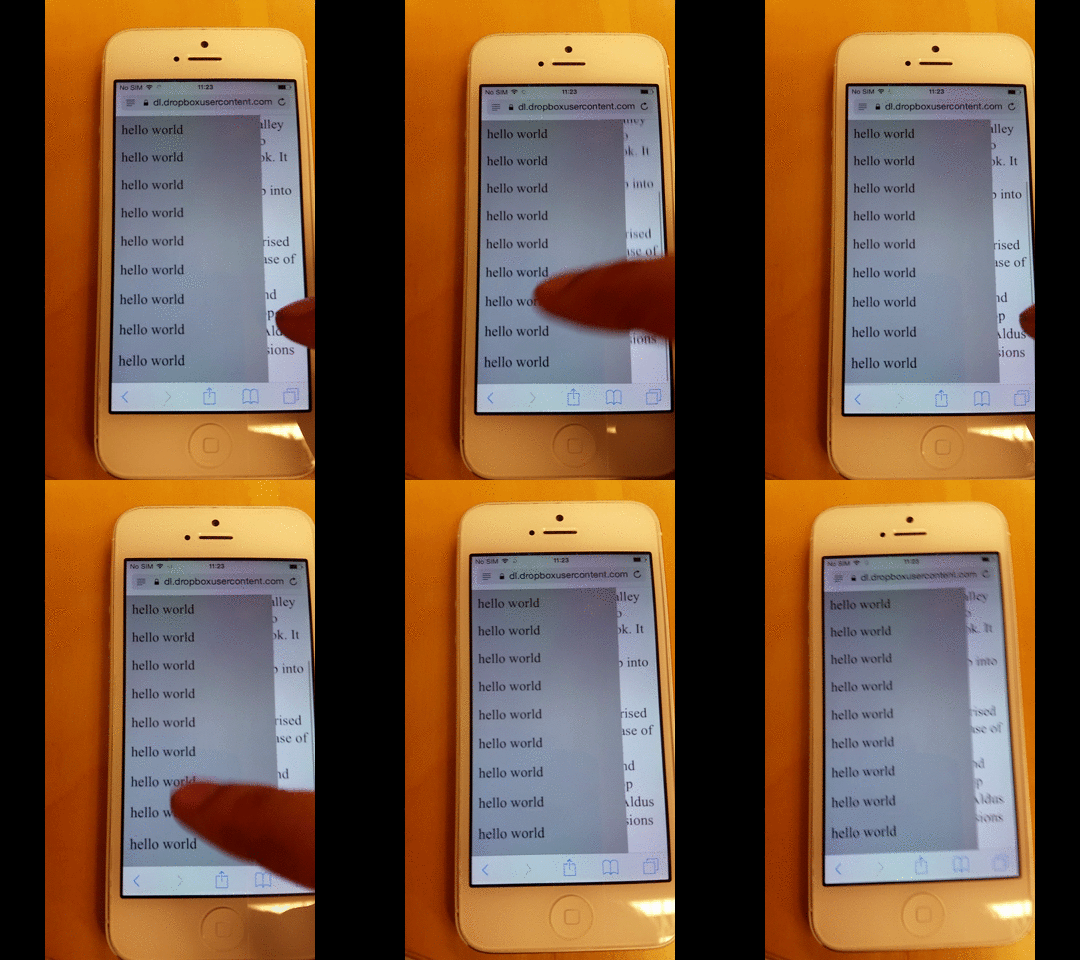
不过,如果我等一会儿让效果结束后,就能开始滚动菜单。
如何防止背景页面滚动
在测试过程中,我还注意到,当弹性回弹效果正在进行时,用户在动画完全结束之前,无法将焦点移到其他元素。
基于 Stack Overflow 的这个回答,您可以确保带有 disable-scrolling 的元素在触发 touchmove 事件时不会执行默认的滚动操作。
document.ontouchmove = function(event) {
    var isTouchMoveAllowed = true,
        target = event.target;
    while (target !== null) {
        if (target.classList && target.classList.contains('disable-scrolling')) {
            isTouchMoveAllowed = false;
            break;
        }
        target = target.parentNode;
    }
    if (!isTouchMoveAllowed) {
        event.preventDefault();
    }
};
然后把 disable-scrolling 类应用到页面的 div 元素上:
<div class="page disable-scrolling">
这种方法在一定程度上可行,但经过更充分的测试,仍然会在你到达菜单顶端或底端时,背景页偶尔会滚动。
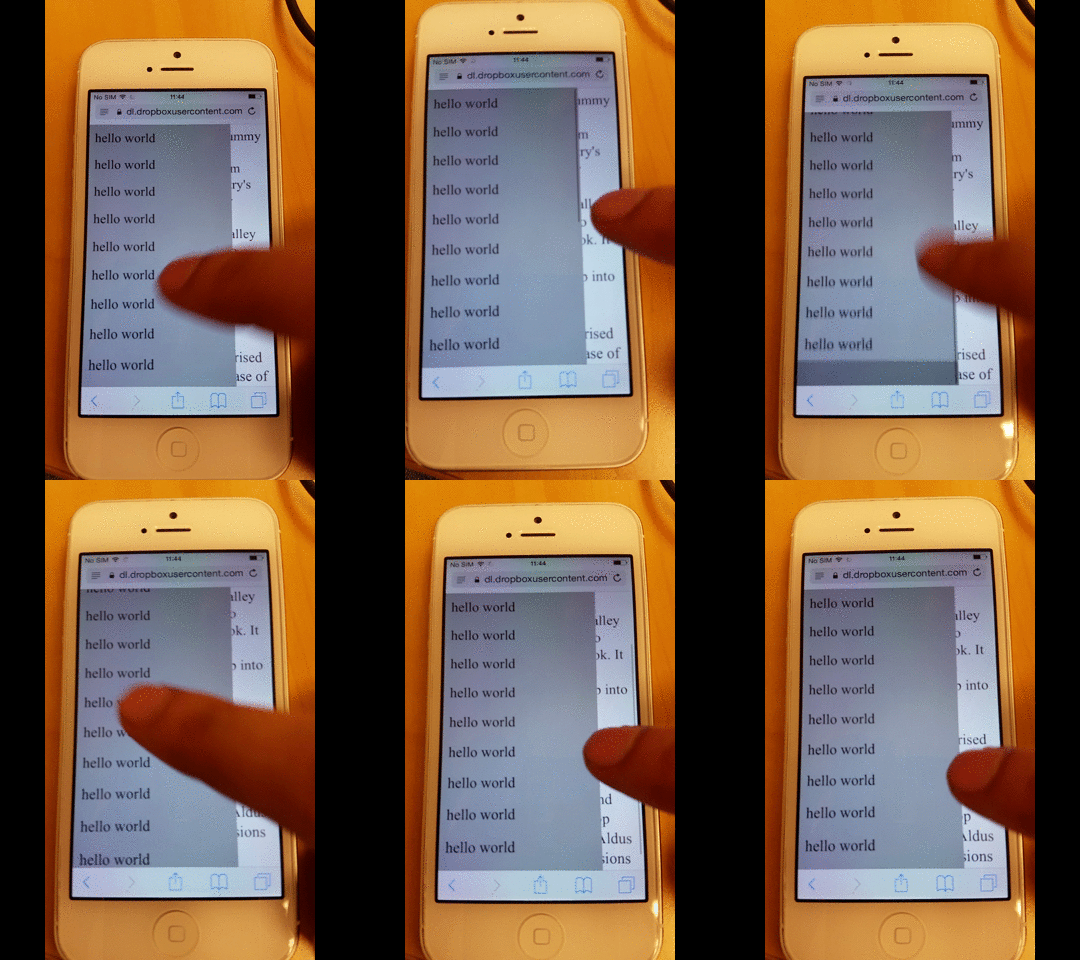
如何防止滚动到后台页面
通过应用这个 修复,可以防止“滚动溢出”。这意味着当一个元素滚动到它的最顶部或最底部时,滚动不会继续滚动到页面主体。
因此,页面无法滚动,这也会阻止橡皮筋效果的出现。
function removeIOSRubberEffect(element) {
    element.addEventListener("touchstart", function() {
        var top = element.scrollTop,
            totalScroll = element.scrollHeight,
            currentScroll = top + element.offsetHeight;
        if (top === 0) {
            element.scrollTop = 1;
        } else if (currentScroll === totalScroll) {
            element.scrollTop = top - 1;
        }
    });
}
removeIOSRubberEffect(document.querySelector(".scrollable"));
这个 JavaScript 片段的作用是通过让元素始终与顶部保持仅 1 像素的距离,从而防止它到达最顶端或最底端。
如果滚动位置从未达到最顶端或最底端,就不可能发生越界滚动。
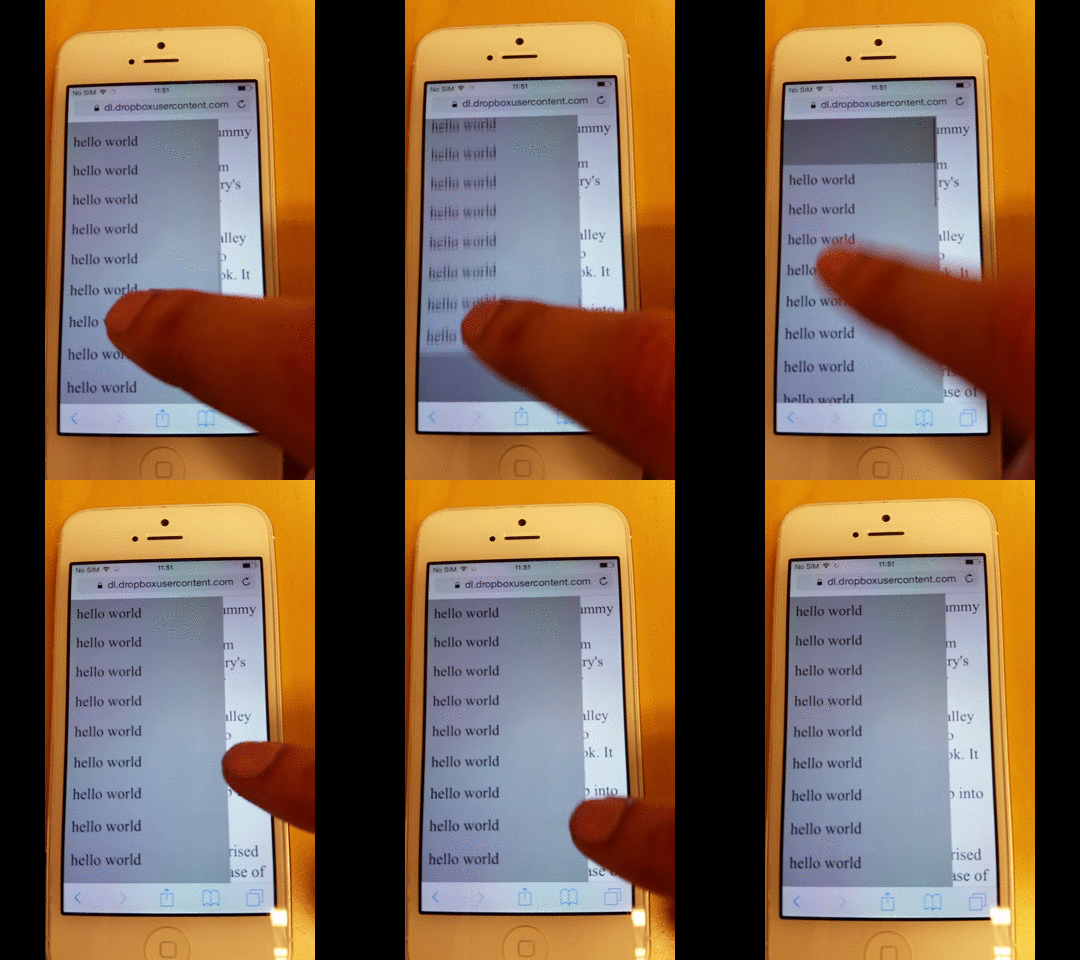
如何防止越界滚动导致切换到后台页面
如果你想从菜单中移除回弹效果——无论是出于美观原因,还是像我一样因为它引发了额外的渲染问题——只需移除 -webkit-overflow-scrolling 这个 CSS 规则。
然而,正如下方所示,你也会失去平滑滚动的惯性。
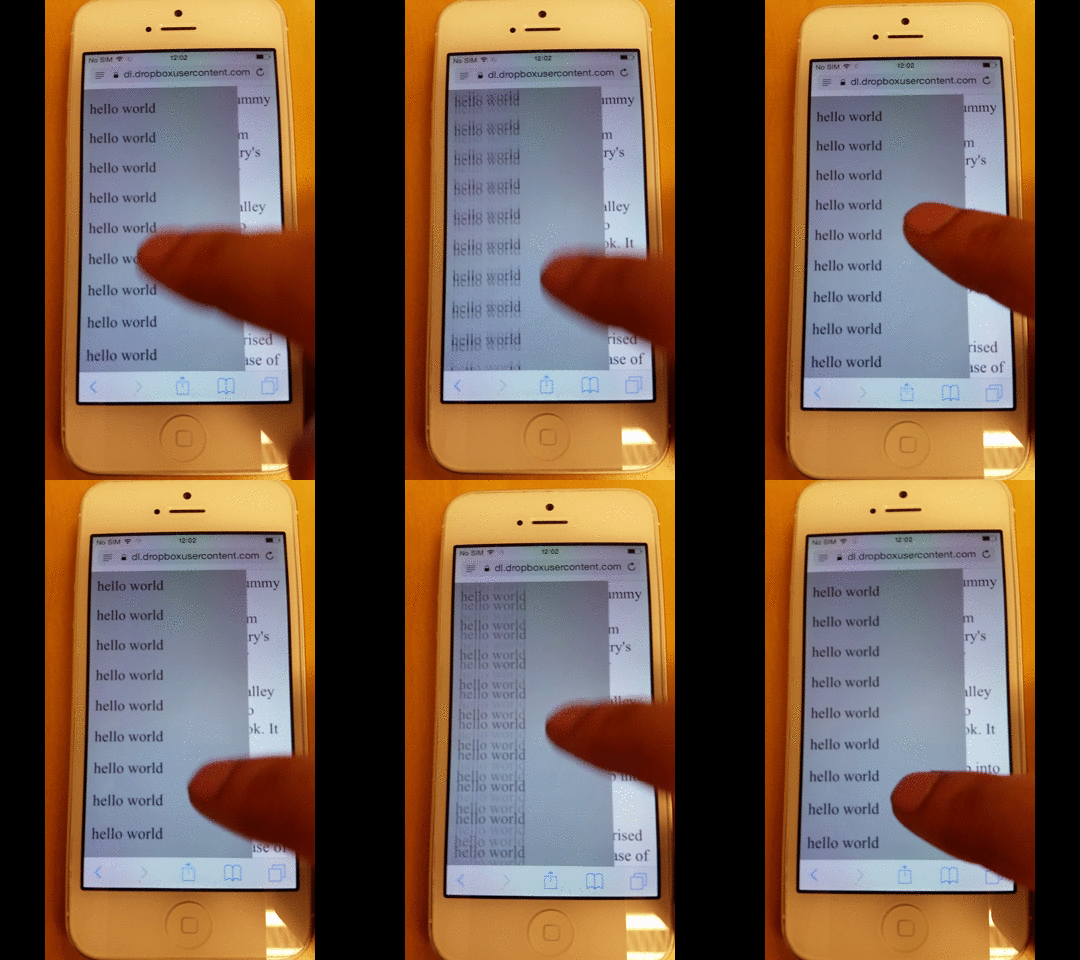
整页源代码
以下是该页面的完整源代码。
<!-- License MIT, Author Special Agent Squeaky (specialagentsqueaky.com) --> <!doctype html>
                <html lang="en">
                   <head>
                      <meta charset="utf-8">
                      <meta name="viewport" content="minimum-scale=1.0, width=device-width, maximum-scale=1.0, user-scalable=no, initial-scale=1">
                      <meta http-equiv="Content-Type" content="text/html; charset=UTF-8">
                      <style> .page{ font-size: 24px; overflow: scroll; } .menu{ position: fixed; top: 0; bottom: 0; left: 0; width: 80%; background: gray; z-index: 1; font-size: 10px; overflow: scroll; /* uncomment to get smooth momentum scroll, but also a rubber band effect */ /*-webkit-overflow-scrolling: touch;*/ } .menu-item{ padding: 10px; background: darkgray; font-size: 24px; } </style>
                   </head>
                   <body>
                      <div class="menu scrollable">
                         <div class="menu-item">hello world</div>
                         <div class="menu-item">hello world</div>
                         <div class="menu-item">hello world</div>
                         <div class="menu-item">hello world</div>
                         <div class="menu-item">hello world</div>
                         <div class="menu-item">hello world</div>
                         <div class="menu-item">hello world</div>
                         <div class="menu-item">hello world</div>
                         <div class="menu-item">hello world</div>
                         <div class="menu-item">hello world</div>
                         <div class="menu-item">hello world</div>
                         <div class="menu-item">hello world</div>
                         <div class="menu-item">hello world</div>
                         <div class="menu-item">hello world</div>
                         <div class="menu-item">hello world</div>
                         <div class="menu-item">hello world</div>
                         <div class="menu-item">hello world</div>
                         <div class="menu-item">hello world</div>
                      </div>
                      <div class="page disable-scrolling">
                      Lorem Ipsum is simply dummy text of the printing and typesetting industry.
                      Lorem Ipsum has been the industry's standard dummy text ever since the 1500s,
                      when an unknown printer took a galley of type and scrambled it to make a type
                      specimen book. It has survived not only five centuries, but also the leap into
                      electronic typesetting, remaining essentially unchanged. It was popularised in
                      the 1960s with the release of Letraset sheets containing Lorem Ipsum passages,
                      and more recently with desktop publishing software like Aldus PageMaker including versions of Lorem Ipsum.
                      </div>
                      <script>
document.ontouchmove = function(event) {
    var isTouchMoveAllowed = true,
        target = event.target;
    while (target !== null) {
        if (target.classList && target.classList.contains('disable-scrolling')) {
            isTouchMoveAllowed = false;
            break;
        }
        target = target.parentNode;
    }
    if (!isTouchMoveAllowed) {
        event.preventDefault();
    }
};
 function removeIOSRubberEffect(element) {
    element.addEventListener("touchstart", function() {
        var top = element.scrollTop,
            totalScroll = element.scrollHeight,
            currentScroll = top + element.offsetHeight;
        if (top === 0) {
            element.scrollTop = 1;
        } else if (currentScroll === totalScroll) {
            element.scrollTop = top - 1;
        }
    });
}
removeIOSRubberEffect(document.querySelector(".scrollable"));
                      </script>
                   </body>
                </html>
